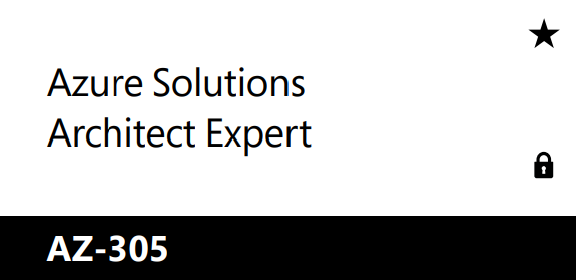
- Each tile contains a different certification.
- Under the certification you can see the exam/s required to get it.
- By clicking on the certification name, you will be directed into the certification webpage.
- After clicking the exam name, you will be directed into the exam webpage.
- The star symbol in the top right indicates it is an expert level certification
- The lock symbol in the bottom right indicates there is a prerequisite certification you must hold to be able to get this certification. You can still take the exams, you just won’t receive a certification until the prerequisite is met.
I will use the Microsoft Certified: Azure Solutions Architect Expert as an example. As you can see in this image:

(You can find this on every certification page), you need to:
- Complete one prerequisite certification in this case, the Microsoft Certified: Azure Administrator Associate
AND
After that you will then receive the Microsoft Certified: Azure Solutions Architect Expert Certification.